

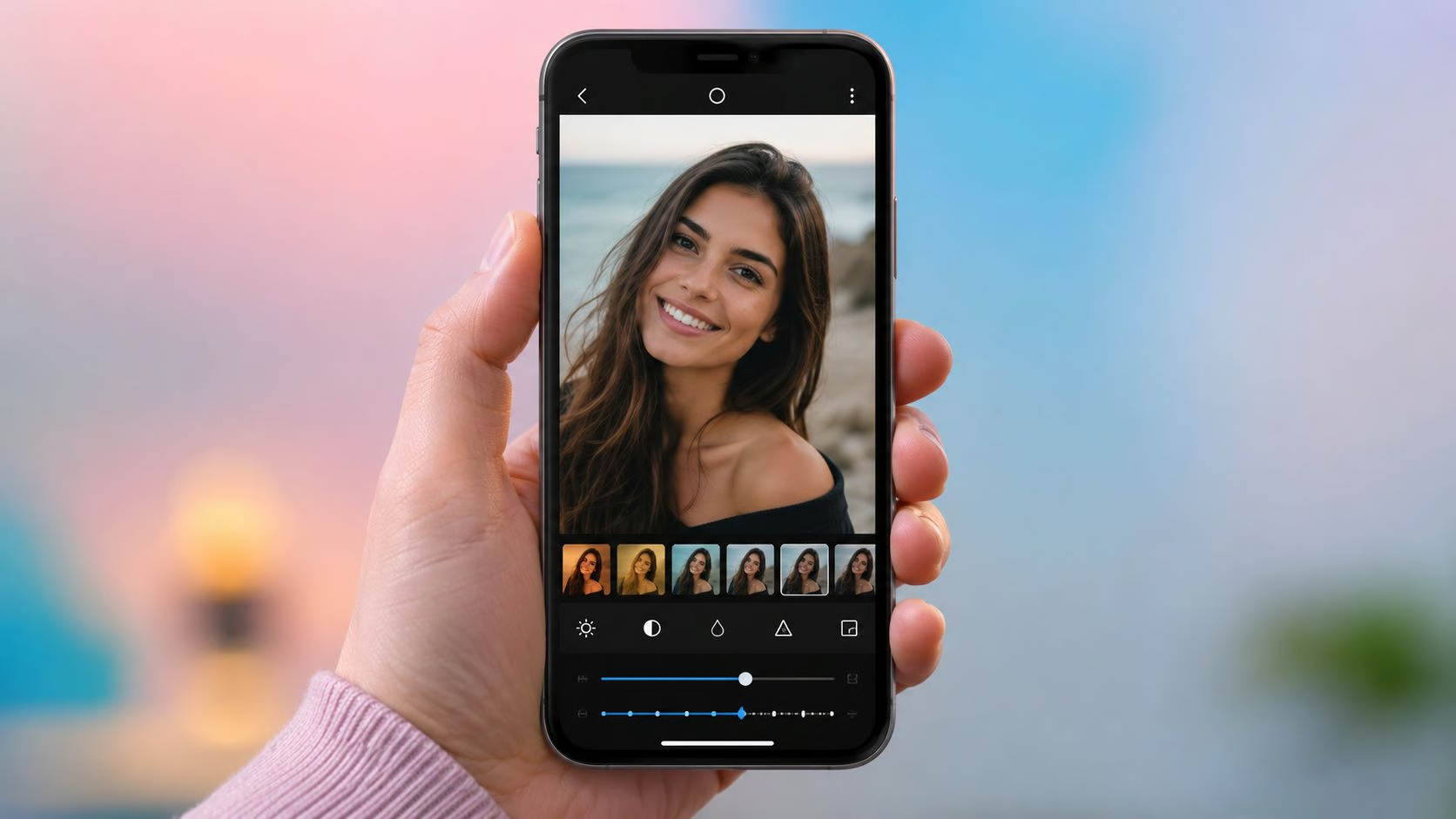
There was a time when serious photo editing meant getting home, transferring hundreds of RAW files to a computer, opening your editing software, and accepting that the rest of your evening was no longer yours.
Android photo editing has changed considerably.
Modern AI editing apps can identify subjects, remove distractions, improve lighting, retouch skin, sharpen soft photographs, replace backgrounds, and perform edits that once required several masks and an alarming amount of patience.
As a photographer, I would not replace my entire desktop workflow with a phone tomorrow. But for portraits, travel photographs, social content, previews, and quick client edits, Android apps have become genuinely useful tools rather than watered-down desktop substitutes.
Here are eight of the best AI photo editors for Android, depending on what you actually want to edit.
1. Adobe Lightroom
Best for: Photographers who want serious editing controls on mobile
Lightroom remains one of the easiest recommendations for photographers who want a mobile editor that still behaves like photographic software.
You get familiar controls for exposure, white balance, contrast, colour, curves, presets, and local adjustments, alongside increasingly sophisticated AI tools. Lightroom’s Android app supports AI-assisted subject and sky masking, while premium functionality includes Generative Remove and Lens Blur.
That combination is particularly useful for portraits.
Rather than manually painting a mask around someone’s face, for example, Lightroom can identify key areas of the photograph and give you a much faster starting point.
Generative Remove is also helpful when the perfect portrait contains one irritating distraction in the background. A signpost, stray cable, rubbish bin, or enthusiastic photobomber can often be dealt with without reopening the image on desktop.
Why photographers will like it: Lightroom offers automation without removing the precise tonal and colour controls professionals actually care about.
2. Picsart
Best for: Fast creative edits and social content
Picsart sits closer to the creator end of the editing spectrum.
Where Lightroom feels like a digital darkroom, Picsart feels more like someone emptied an entire creative toolbox onto your phone.
Its AI Enhance feature can automatically sharpen details, reduce blur, and balance colours with a single action.
That makes it useful for everyday photographs that need improving quickly rather than painstakingly developing from scratch.
Picsart is particularly suited to creators producing Instagram posts, lifestyle photography, promotional graphics, and casual portraits because editing and creative design tools live within the same environment.
Why photographers will like it: It is fast, flexible, and considerably less intimidating than a traditional professional editing interface.
Just resist the temptation to use every effect simultaneously. Your portrait does not need to look like it survived three filters and a small electrical storm.
3. Evoto
Best for: AI portrait retouching and high-volume people photography
Evoto earns its place here because it approaches mobile editing specifically from a photographer’s perspective.
The app focuses heavily on portrait work, with features covering skin retouching, blemish removal, facial adjustments, body editing, colour correction, presets, background adjustments, and batch editing. Evoto also supports mobile tethered shooting workflows for photographers who want to review and start editing images during a session.
For professional portrait photographers, that specialisation matters.
General photo editors often treat portrait retouching as another feature buried somewhere between filters and stickers. Evoto builds considerably more of the workflow around people.
Its facial recognition can identify faces and allow targeted enhancements across individual subjects, which becomes especially useful when processing groups, headshots, or larger portrait sets.
That makes it a particularly interesting option if you want AI-powered portrait editing software that can reduce repetitive retouching without forcing every face into the same overly polished look.
Why photographers will like it: The emphasis is on speeding up actual portrait-retouching workflows rather than simply producing dramatic AI effects.
4. Google Photos
Best for: Everyday Android photography and effortless fixes
Google Photos may already be sitting on your phone, which makes it one of the easiest AI editors to overlook.
That would be a mistake.
Its Android editing tools include AI Enhance, Magic Eraser, Unblur, Portrait Light, automatic suggestions, and other intelligent adjustments. Google has also been expanding conversational editing, allowing eligible users to describe the changes they want rather than manually hunting through editing controls.
For everyday photography, this is exceptionally convenient.
If a family photograph contains an unwanted person in the background, Magic Eraser may solve the problem. If a photograph is slightly soft, Unblur can help. If a portrait needs more flattering illumination, Portrait Light gives you another option.
Why photographers will like it: It solves common photographic problems with almost no learning curve.
It is not a Lightroom replacement. It does not need to be.
Sometimes you simply want the person behind your subject removed before sending the picture to WhatsApp.
5. Remini
Best for: Improving faces and rescuing soft portraits
Remini became popular for one particularly appealing reason: making photographs look clearer.
Its AI tools are especially focused on faces. Remini’s portrait enhancement capabilities can improve facial detail, adjust lighting and colour, smooth uneven skin texture, and brighten features such as eyes and teeth.
This can make it particularly useful for older photographs, screenshots, compressed social images, or portraits where facial detail is softer than you would like.
The important word, however, is restraint.
Image enhancement tools occasionally become a little too enthusiastic about inventing detail. If you are editing a professional portrait, always compare the result against the original.
Why photographers will like it: Remini can be extremely useful when the problem is image quality rather than creative styling.
Think of it as a rescue tool rather than a licence to turn every photograph into 8K surveillance footage.
6. Adobe Photoshop Express
Best for: Quick Photoshop-style edits without the desktop commitment
Photoshop Express provides a useful middle ground between casual mobile editing and the full Photoshop experience.
On Android, it includes standard photographic controls alongside healing, reshaping, automatic enhancement, effects, perspective correction, and generative AI functionality. Adobe’s generative tools include options for removing or inserting objects and expanding images.
This makes Photoshop Express useful when your edit requires more than simple colour correction but does not justify opening a full desktop project.
Perhaps you need to remove something from the frame.
Perhaps the crop is just slightly too tight.
Perhaps your client has suddenly noticed an object in the background that somehow nobody noticed during the shoot.
Generative tools can help solve those problems quickly.
Why photographers will like it: You get a broad editing toolkit without needing to build an elaborate Photoshop document.
7. PhotoDirector
Best for: AI experimentation and one-tap portrait enhancements
PhotoDirector offers an unusually broad collection of AI-assisted editing tools.
Its feature set includes AI enhancement, deblurring, colour improvement, object and background removal, portrait retouching, skin smoothing, facial adjustments, and generative tools. CyberLink has also introduced conversational editing functionality that allows users to describe desired changes rather than navigating every tool manually.
For portraits, there are dedicated controls for facial features, skin tone, wrinkles, and other appearance adjustments.
That gives PhotoDirector considerable flexibility, although the large number of options can encourage over-editing.
Why photographers will like it: It combines corrective editing and creative AI experimentation in one package.
My usual portrait rule still applies: if the first thing people notice is the retouching, reduce the retouching.
8. Canva
Best for: Turning edited photographs into finished content
Canva is not primarily a photographer’s editing app, but that is exactly why it belongs on this list.
Photography often does not end when the photograph is finished.
The image needs to become an Instagram post, advertisement, presentation slide, poster, website banner, thumbnail, or other finished asset.
Canva combines photo editing with an enormous design workflow and includes AI-assisted capabilities such as background removal alongside its wider creative tools.
For photographers working directly with small businesses or managing their own marketing, that can eliminate several unnecessary steps.
Remove the background, place the subject into a layout, add branding, resize the creative, and export it without bouncing between multiple applications.
Why photographers will like it: Canva is less about perfecting pixels and more about getting photographs ready to do an actual job.
Which Android AI Photo Editor Should You Choose?
There is no single best Android photo editor because these apps solve different problems.
Choose Lightroom if you want serious photographic control.
Choose Picsart for quick creative editing.
Choose Evoto if portrait retouching is your priority.
Choose Google Photos for effortless everyday corrections.
Choose Remini when faces or soft images need enhancement.
Choose Photoshop Express for flexible general-purpose editing.
Choose PhotoDirector if you want a large collection of AI tools.
Choose Canva when the photograph needs to become finished marketing or social content.
For professional photographers, the smartest approach is often to use AI for the repetitive work and keep creative decisions firmly in human hands.
Let the app identify the subject. Let it build the first mask. Let it remove the rubbish bin lurking behind your model.
But you should still decide how skin should look, how colours should feel, where attention should fall, and when an edit has gone far enough.
The best AI photo editor is not the one that makes the most changes. It is the one that helps you reach the photograph you wanted with fewer unnecessary steps.

Comments are closed.